2D animation & storyboard software
Story first.
Encre starts at the board — panels, timing and camera in one document — and carries the same drawings all the way to finished animation.
Storyboard · shot camera · director arrows
Direct.
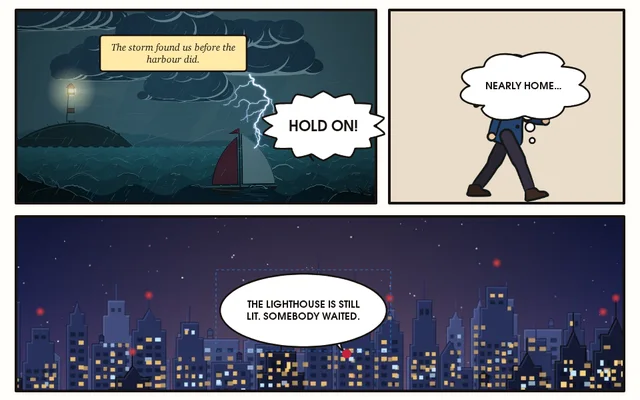
Every shot starts as a panel with a job to do. Frame it, mark where the camera goes and where the action goes, write down what’s said. Then press play and the board moves the way you drew it.
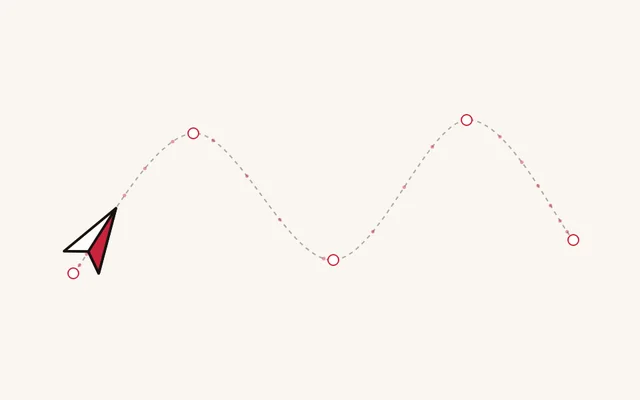
Each panel is an Encre storyboard card: shot number, duration, action, dialogue and camera notes. The Camera Planning template gives you layout, arrow and camera-note layers with a safe area. The white arrows are Encre’s Director Arrow, a vector shape whose head you can drag. The camera is the card’s Shot Camera: pan, tilt, zoom, rotate, and a real truck that moves through planes set back in depth, so the far hills barely move while the rain rushes past. The parallax here is Encre’s own camera math; the drawings are a stand-in drawn by the page.
Selected card
SH 010
Click a panel to select its card, then give it a different move. The red frames on the board are where the camera starts (A) and ends (B). Truck in on the lamp and watch the near rain rush past faster than the tower.
Each card plays its own camera. The Sequence workspace plays the whole board back to back as an animatic, at 24 frames a second, with its sound.
The brush engine
Draw.
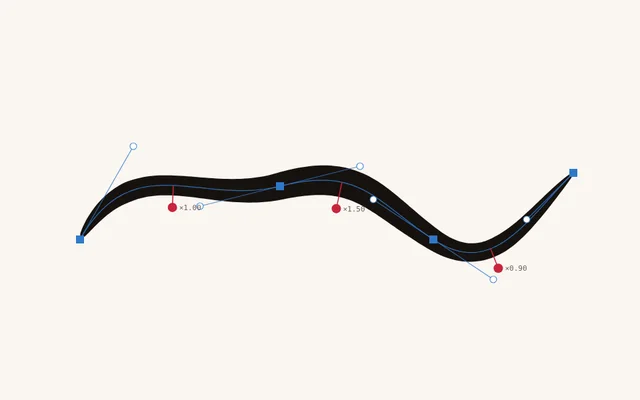
Graphite that catches the grain, ink that swells with pressure, smudge that pulls real paint, tones that fill like film. A brush library in ten families, from sketch pencils to comic tone, and vector pens whose strokes stay editable curves.
Every stroke on this page was painted by Encre’s own brush engine: the same S-curve, the same light-to-full-to-light pressure, through the same path a tablet pen takes. Nothing retouched.
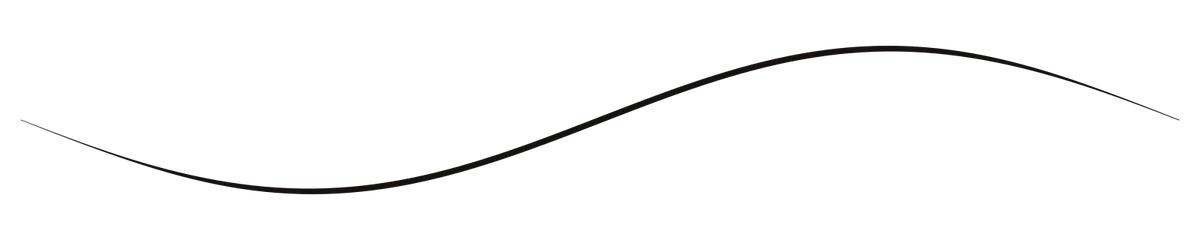
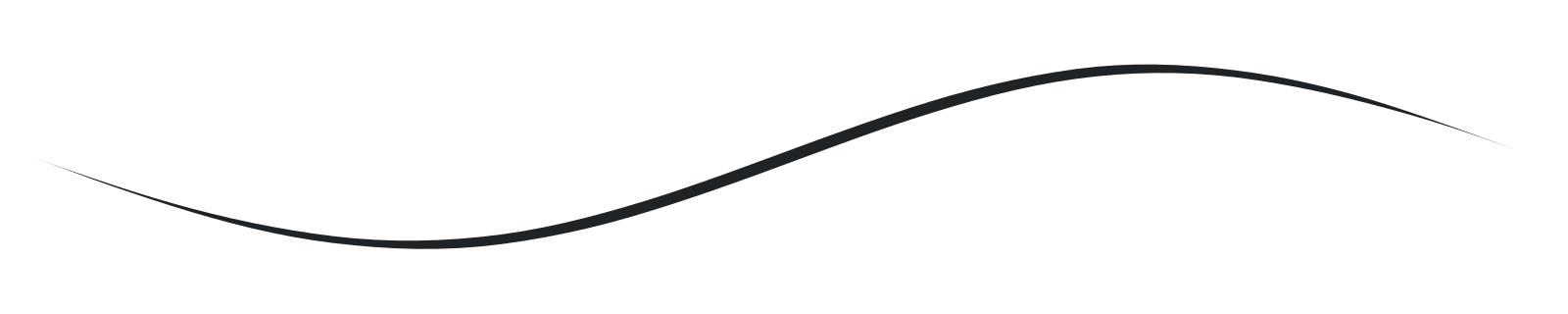

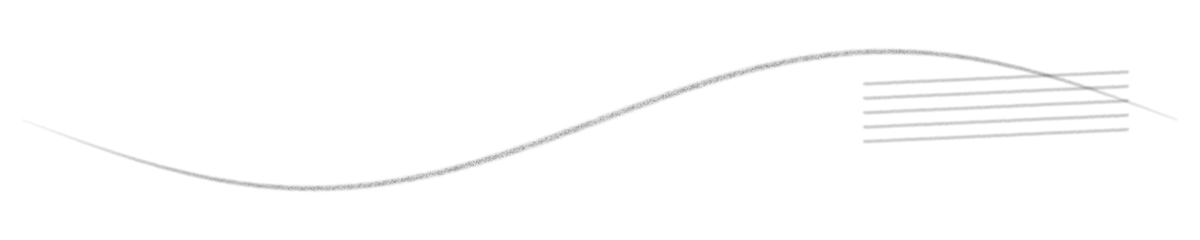
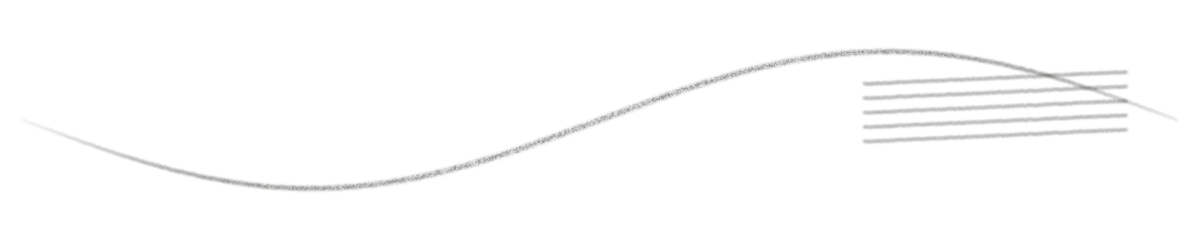
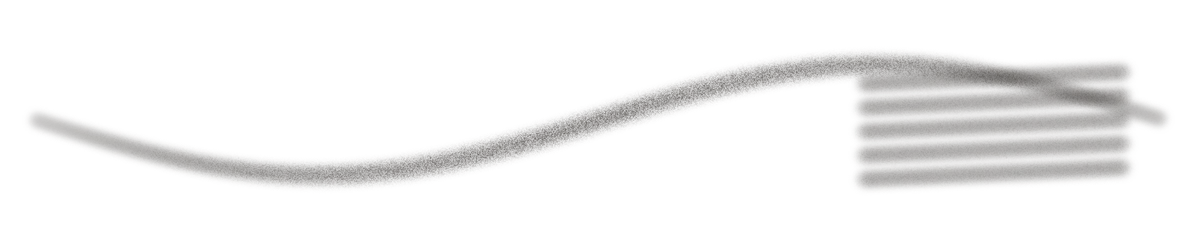
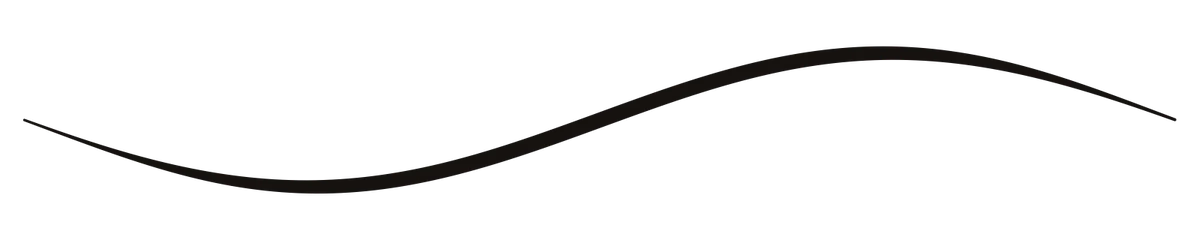
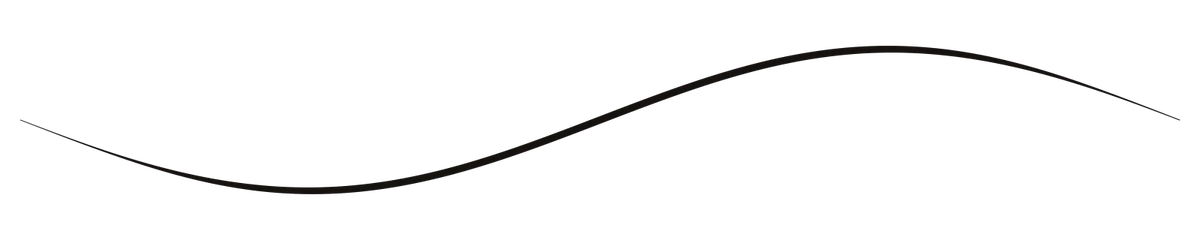
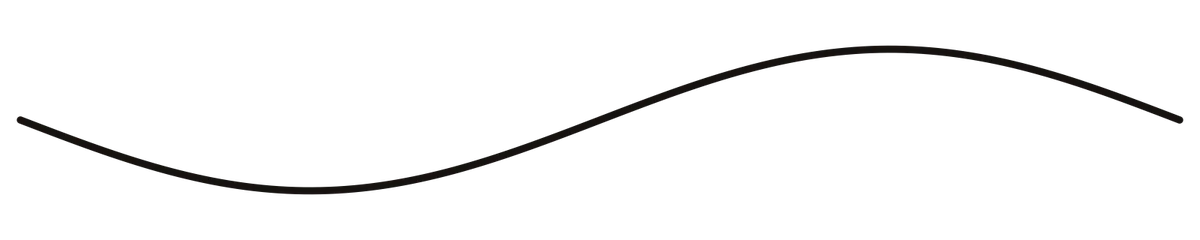
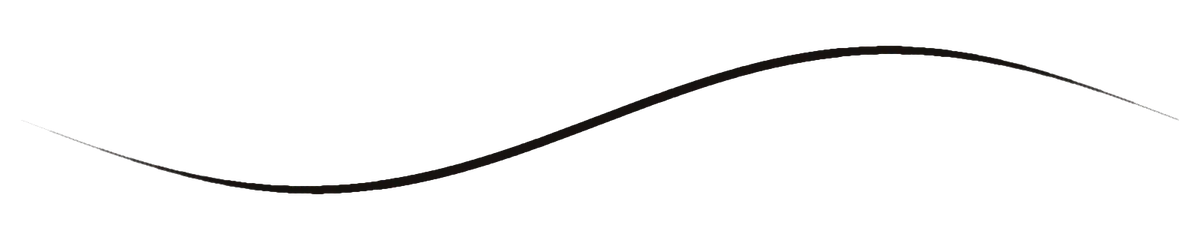
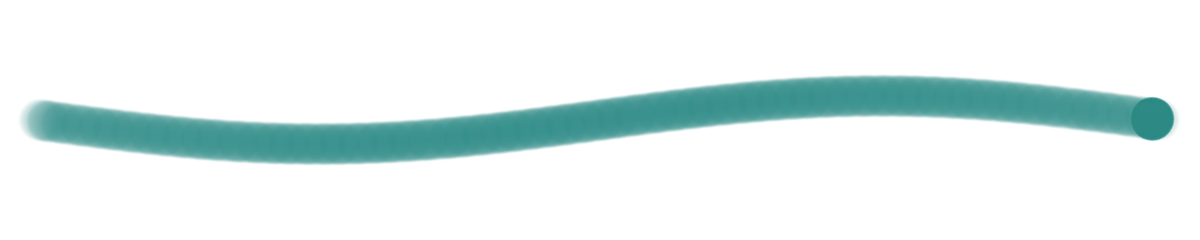
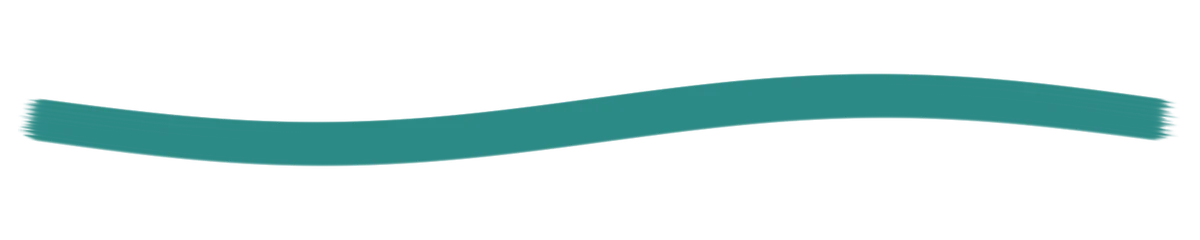







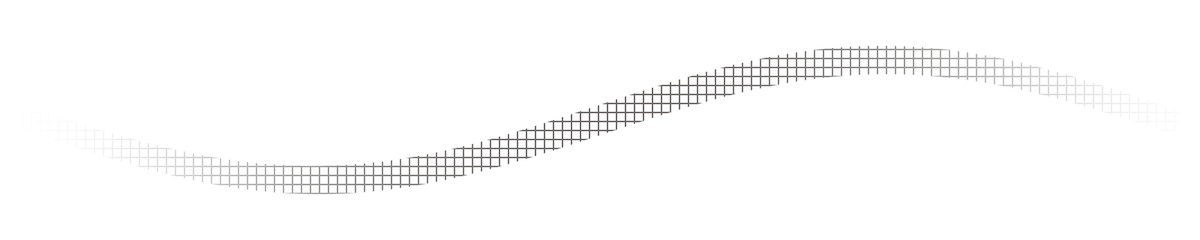

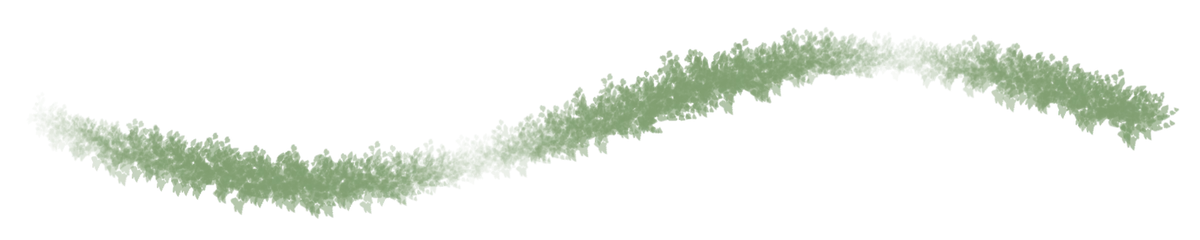
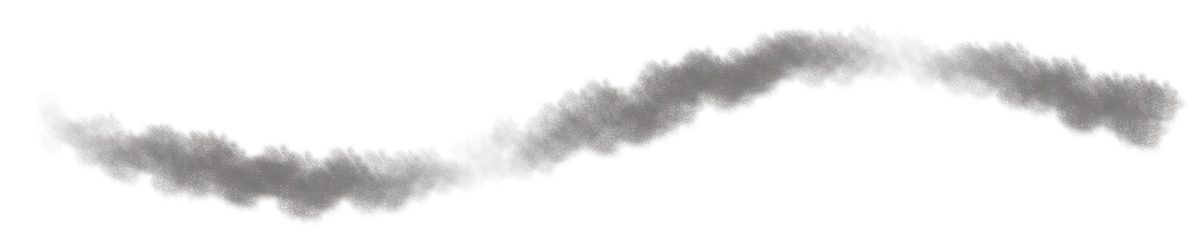


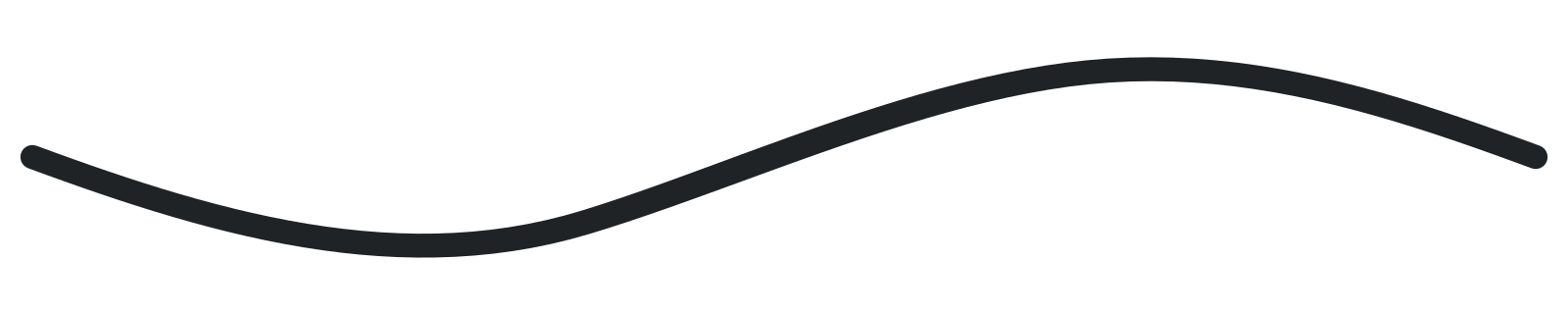





In the app: Sketch · Ink · Paint · Watercolour · Dry Media · Comic Tone · Nature · Architecture · FX · Erase & Smudge. The library is being rebuilt on Encre’s own tips; the strokes above come from the engine it runs on.
The Look system
Look.
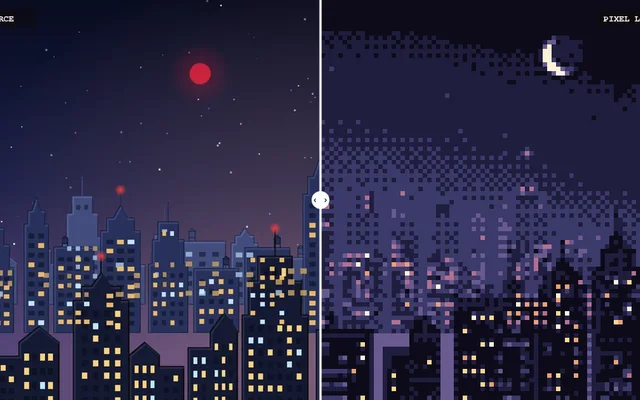
Draw it once. The look lives in a stack on top of your lines — boil, hatching, ballpoint, pixels — so a whole shot can change style without a single frame being redrawn.
Every Look node here is a real node in Encre, shown with its own parameters. In the app it runs on your actual brushwork; this page draws a browser sketch of the idea.
Keys · breakdowns · inbetweens
Animate.
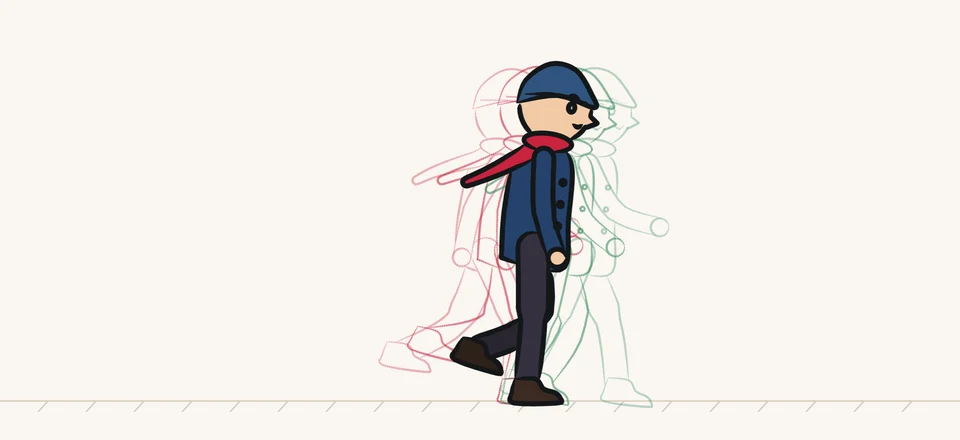
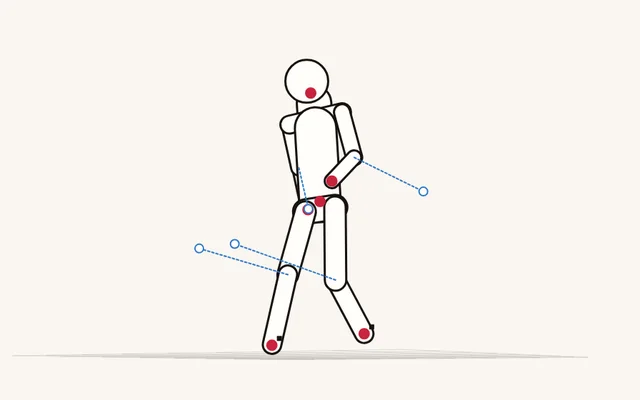
Two keys make a walk. The breakdown gives it weight, the extremes give it bounce, the inbetweens make it move. Choose which drawings exist, put them on 1s or 2s, and watch the exposure sheet, the onion skin and the arcs follow.
The walker is a small rig. Encre drew all twenty-four drawings from the rig’s stroke data, with its own Pencil-2 Sketch, G-Pen and fills; the first one was also drawn by hand, below.
Drawings
View
Arcs and spacing
Controllers & modifiers
Move.
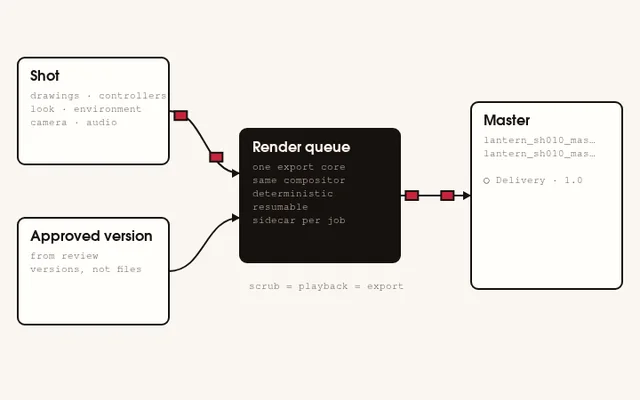
Every animated transform lives on a Controller. Stack modifiers on it — a bob, a sway, hand-drawn jitter, an earthquake on the camera — and each one is a pure function of time, so scrubbing, playback and export always land on the same frame.
These are the app’s own formulas and its seeded noise, ported line for line. Same seed, same frame, same numbers.
Basic · 8
- oscillate
- ping_pong
- drift
- orbit
- spin
- pulse
- bob
- sway
Physical · 6
- spring
- bounce
- overshoot
- follow_lag
- pendulum
- elastic_settle
Organic · 5
- noise
- shake
- wander
- float
- breathing
Hand-drawn · 3
- registration_jitter
- stepped_motion
- hand_drawn_jitter
Camera · 4
- camera_drift
- impact_shake
- handheld
- earthquake
Path · 1
- follow_path
27 modifiers.
39 presets.
The Environment
World.
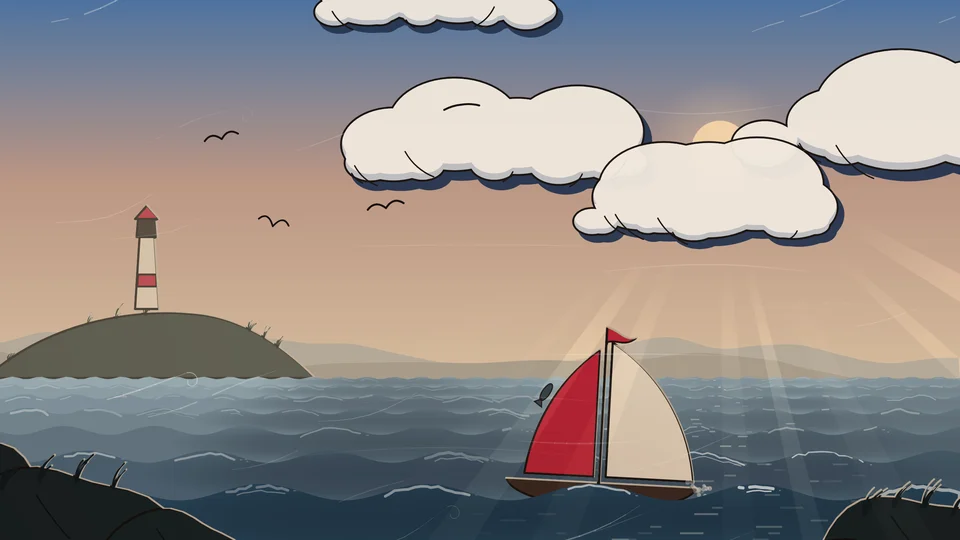
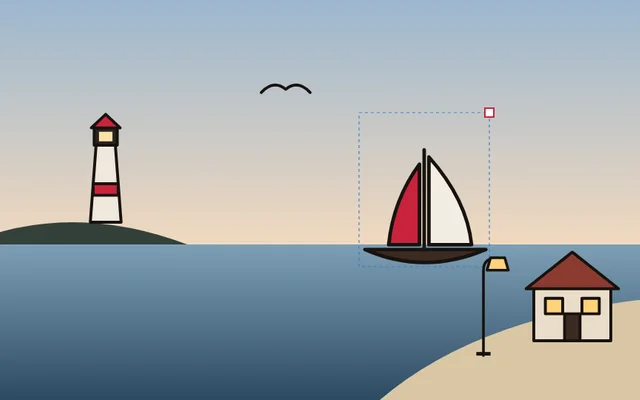
Every shot carries an environment: time of day, wind, rain, storm, cloud, snow, fog, the moon. Key it like any other channel, and the sky, sea, weather and grade all follow the same few numbers.
Sky, clouds, sun and moon, stars, sea, rain, snow, wind and the grade are Encre’s own generators, ported line for line and checked against the app. The boat and the lighthouse are drawn on top, and the boat rides the sea’s nearest wave. The inked cloud styles, the sea’s foam and light, the lightning and the far hills are in the app now. The swamp, the gusts and the small life were drawn here first and come next.
Scene
Clouds
Camera & timing
Look
Environment channels
The Cloner
Clone.
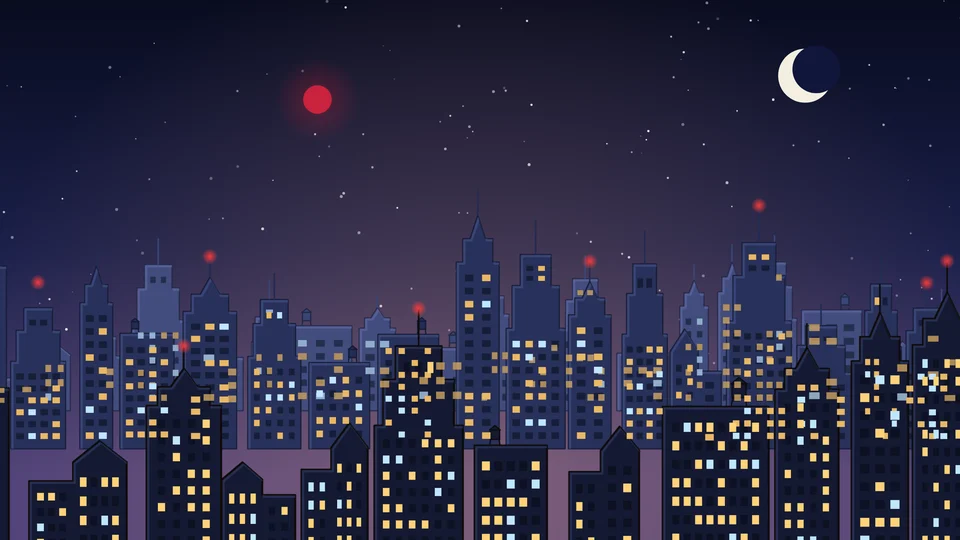
Draw four buildings. Get a city. The Cloner lays drawings out in rows of depth, each copy with its own width, height, mirror and windows, all from one seed, so the city is the same every time you open the shot and different the moment you change it.
The Cloner is in Encre: on the card, and in the 3D world, where ten thousand clones cost half a millisecond a frame. This is the same idea running in your browser, with the same parameters.
Automation
Or write it.
Anything you can do by hand, a recipe can do too. Recipes are short Python files that compile to a checked plan of actions — every step validated before it runs, every step one undo.
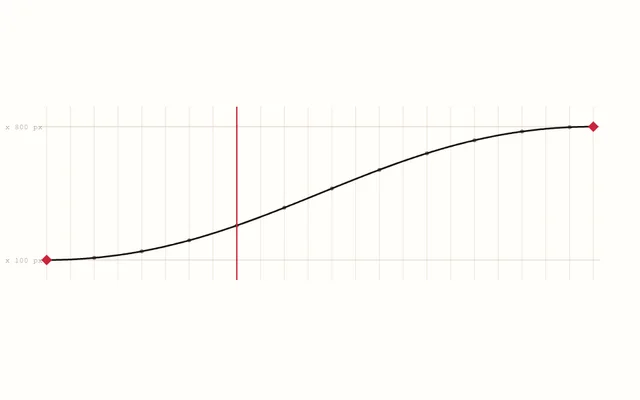
Below is an excerpt from a real recipe that ships with Encre. The ball beside it is those keys, played in your browser with the app’s own easing.
# (frame, y offset from the resting position, interpolation LEAVING this key)
Y_KEYS = (
    (1, -372.0, 'ease_out'),        # drifting into the hang
    (5, -392.0, 'ease_in'),         # anticipation: the top of the arc
    (12, 0.0, 'ease_out'),          # contact
    (21, -242.0, 'ease_in'),        # rebound apex
    (29, 0.0, 'ease_out'),          # contact 2
    (36, -132.0, 'ease_in'),        # apex 3
    (42, 0.0, 'ease_out'),          # contact 3
    (46, -58.0, 'ease_in'),         # apex 4
    (48, 0.0, 'linear'),            # settled on the floor
)

# -- the Controller: every animated transform lives here
ctl = r.controller.create('Ball', [ball])
# Pivot FIRST, and at the CONTACT point: squash compresses upward off the floor.
r.controller.set_pivot(ctl, BALL_X, FLOOR_Y)

for frame, offset, mode in Y_KEYS:
    r.controller.key(ctl, 'y', frame, offset, interpolation=mode)
for frame, scale_x, scale_y, mode in SCALE_KEYS:
    r.controller.key(ctl, 'scale_x', frame, scale_x, interpolation=mode)
r.controller.key(ctl, 'scale_y', frame, scale_y, interpolation=mode)The work
Tell.
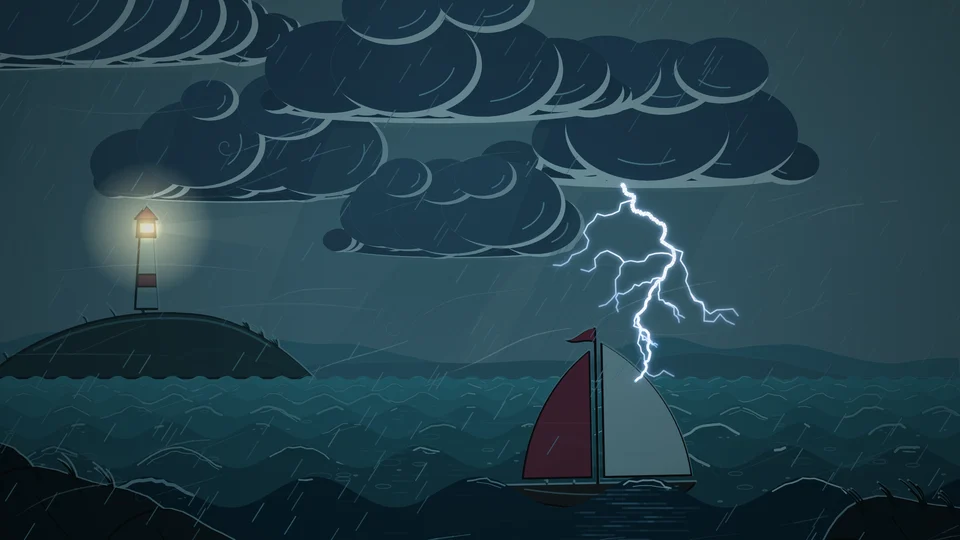
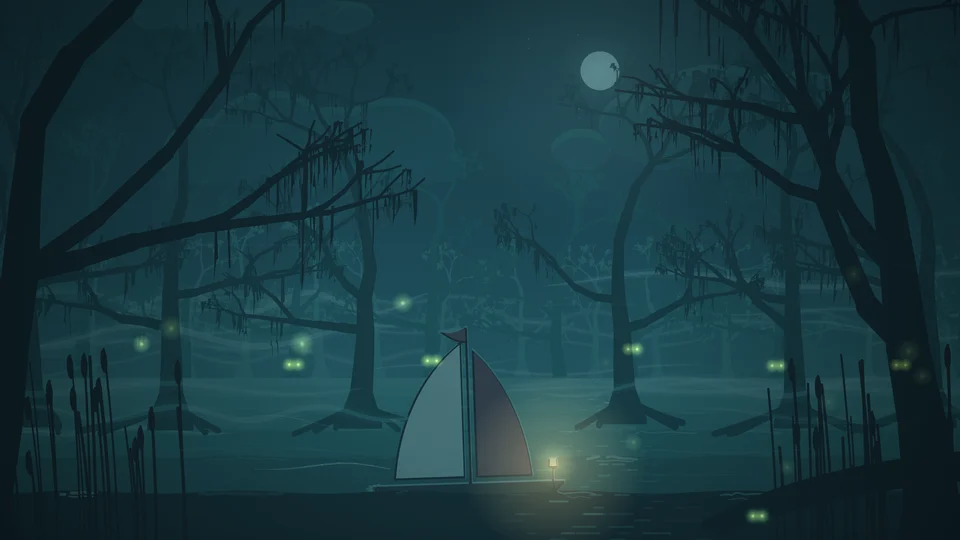
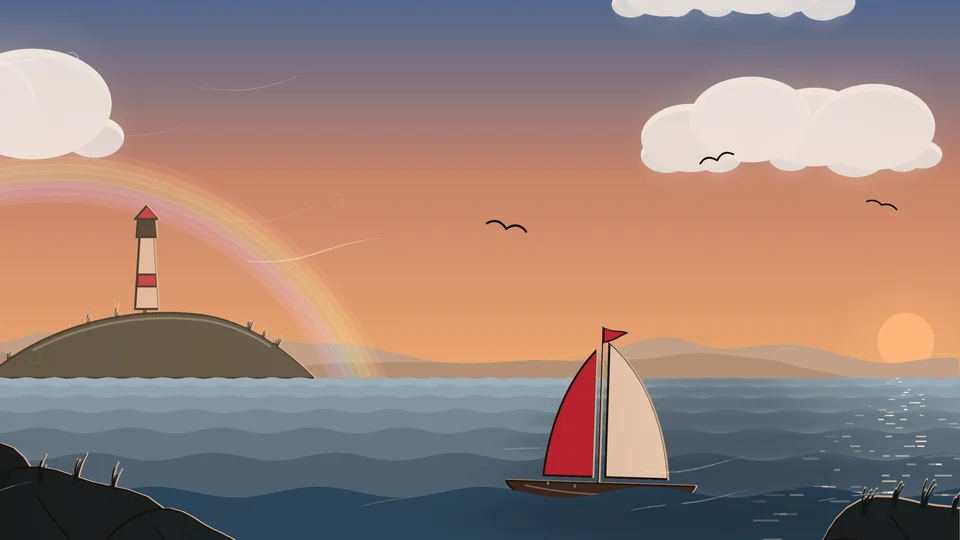
The film below was made in Encre and rendered by the app, with its sound. Everything above it is running live on this page; the stills are from it: pick one and it plays.
Next: The Lantern, a short film made in Encre from the first stroke to the last frame. In production.
Beta
Get on the board.
Encre is coming to Windows and macOS. It is in beta, so things will still change. Leave your email and we’ll write when it opens.
We’ll only use your email to tell you about Encre.